How to Play
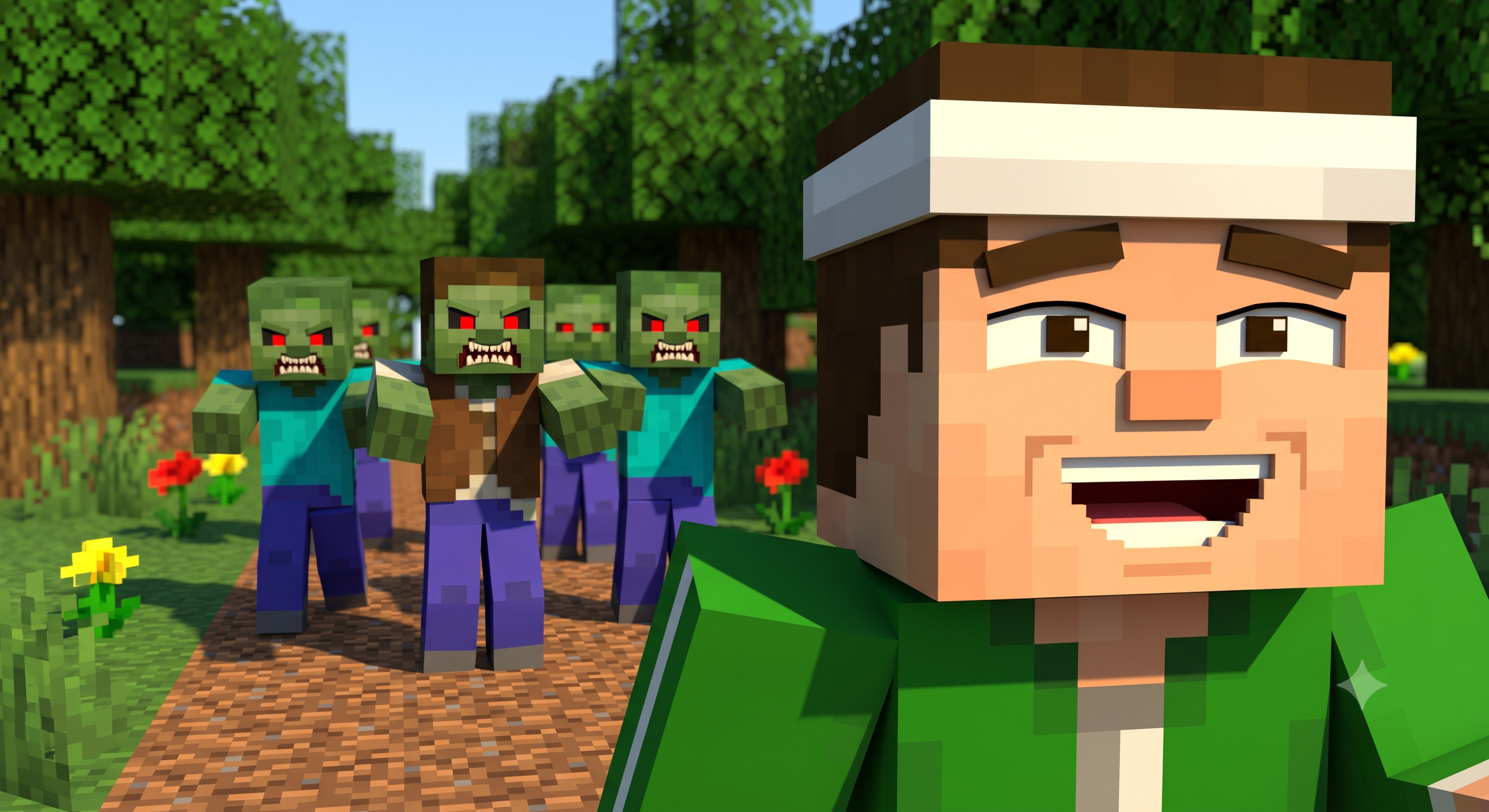
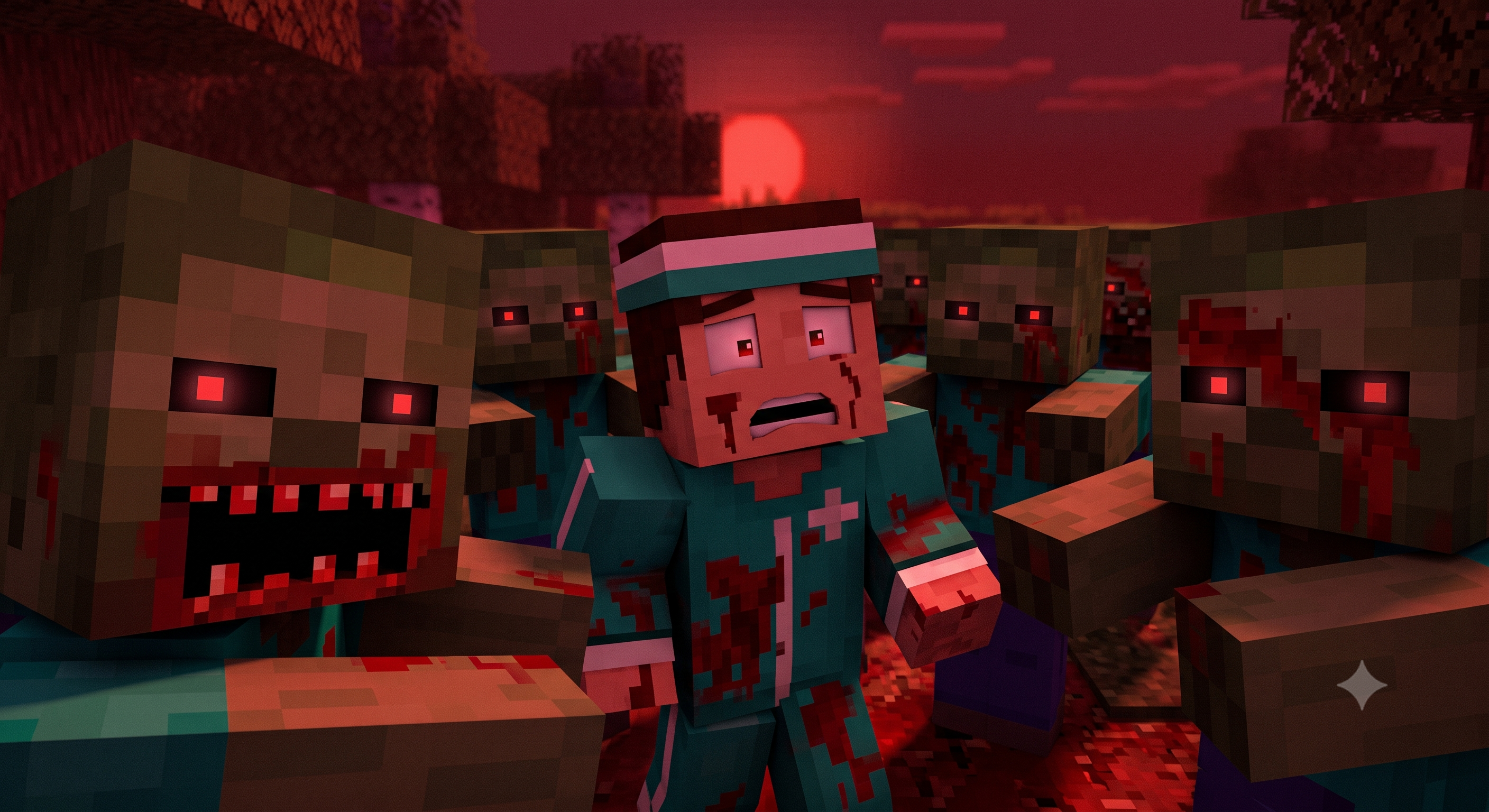
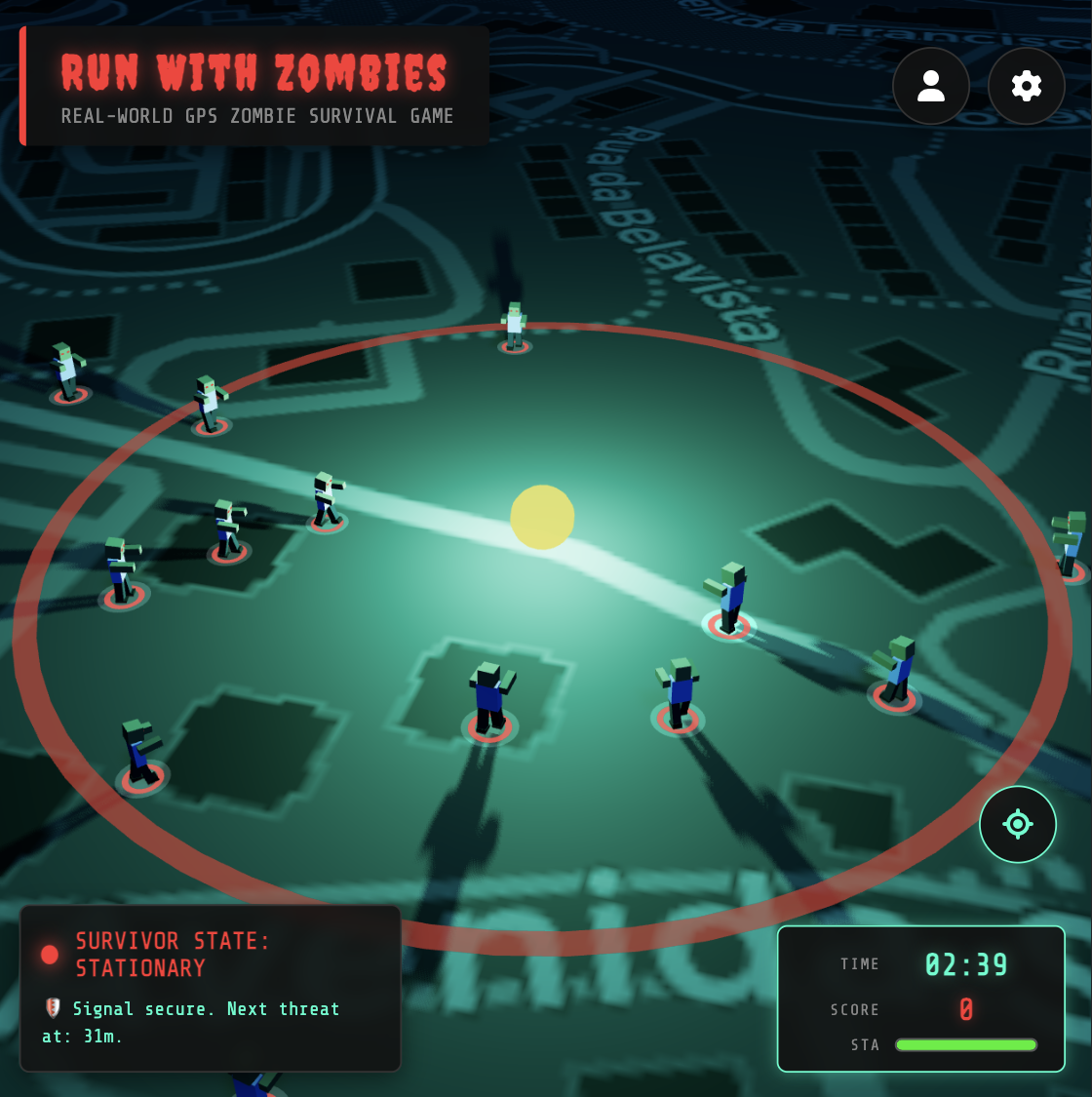
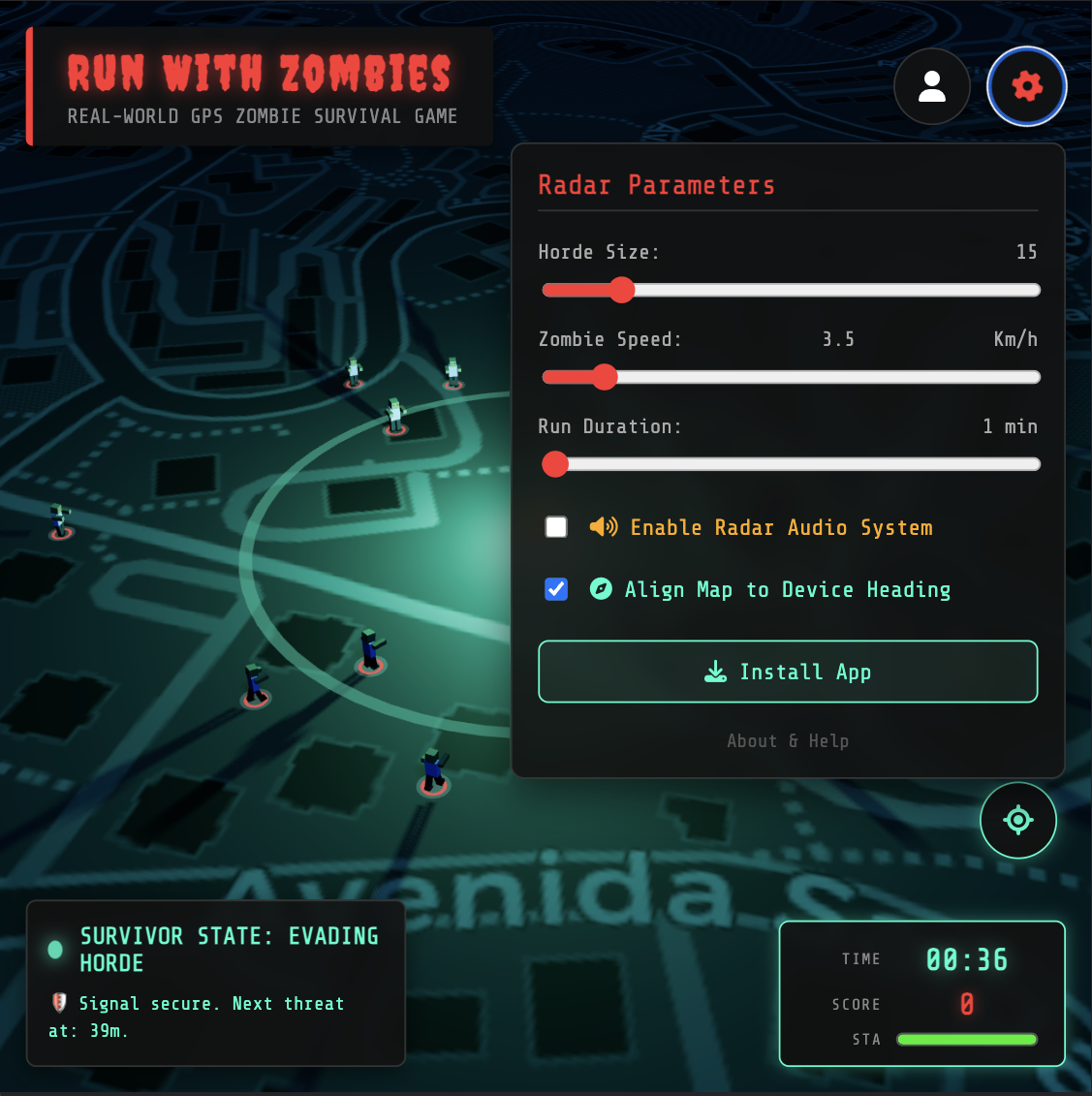
Run With Zombies is a free survival game that runs in your browser and uses your real GPS location. Zombies spawn around you on a live map. To survive, you have to keep moving.
- Open the game on your phone in a modern browser (Chrome, Safari, or Firefox). No app install or account needed.
- Allow location access. Your real-world position places you on the map. The game works best outdoors where GPS is strong.
- Start moving. Zombies spawn nearby and chase you. Stay ahead of the horde until the timer runs out.
- Collect hotspots placed on the roads ahead of you. Recovery spots restore stamina; weapon spots grant freeze and kill charges. Log in to keep unused weapon charges for future games.
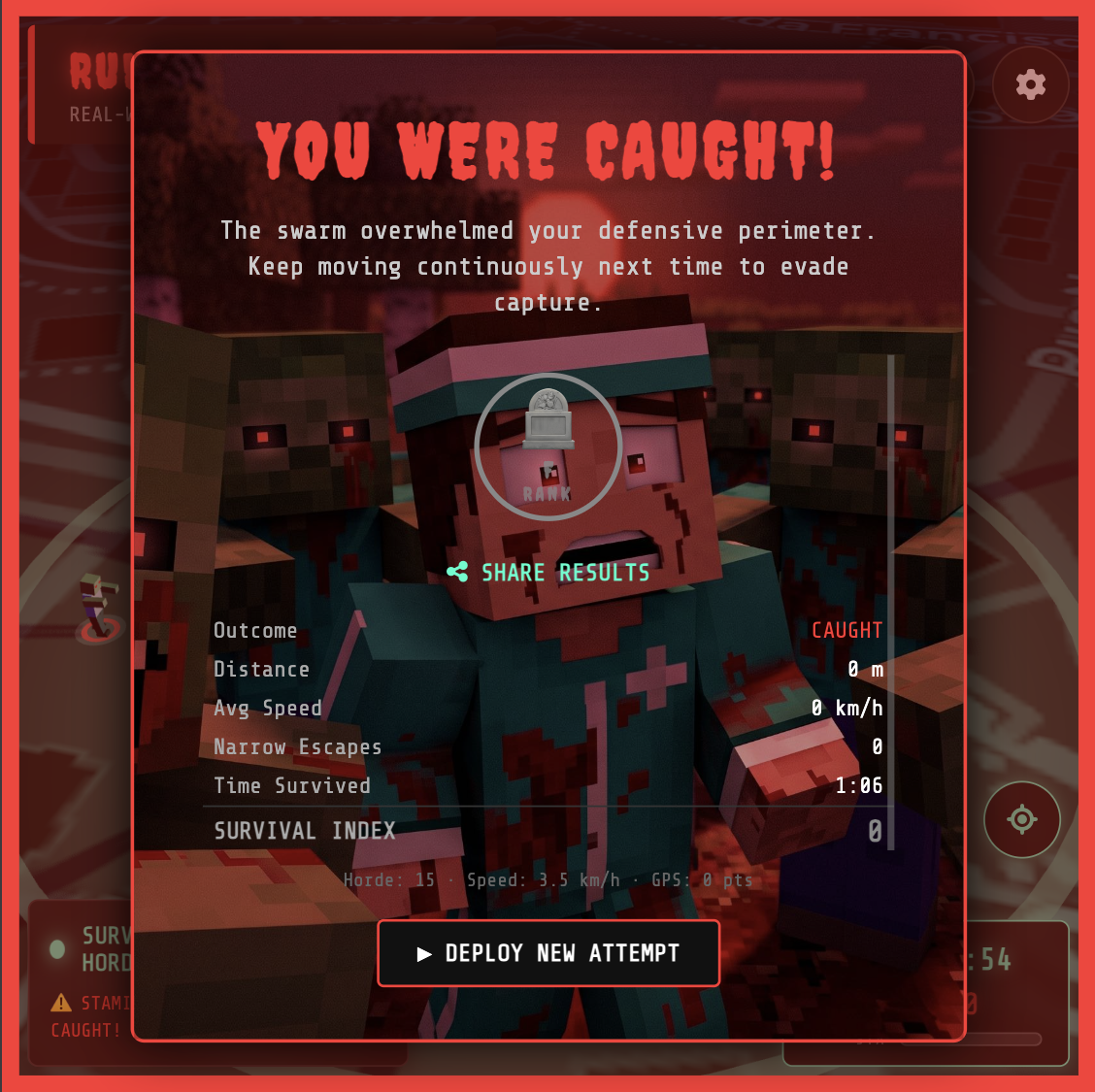
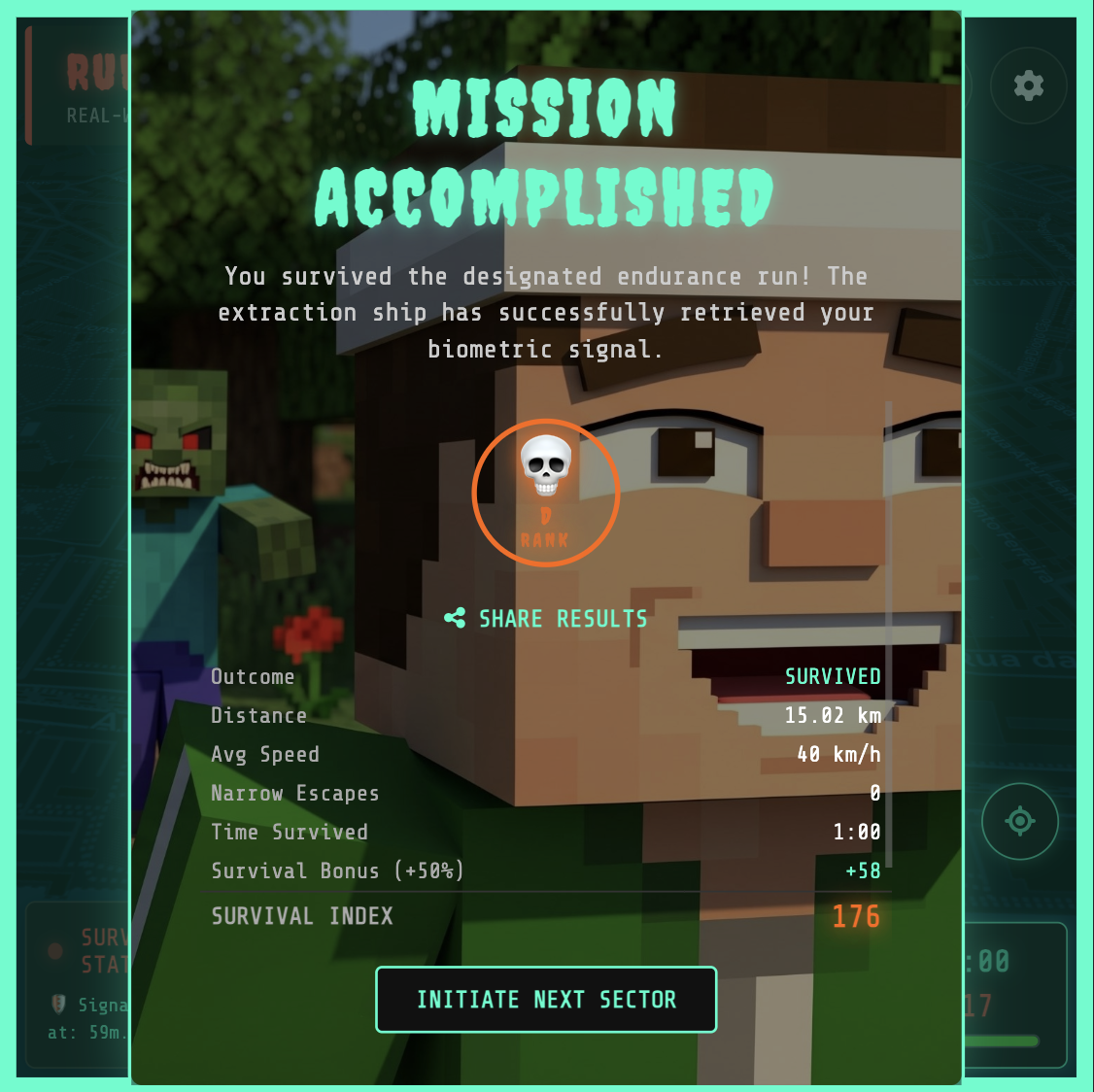
- Survive. Complete your chosen session. Distance, average speed, horde difficulty, narrow escapes, and zombie kills determine your Survival Index, with a bonus for survival. Short sessions have no additional time or distance penalties.
Earn badges for movement, consistency, survival, and field skills. New badges appear during play or at the end when their condition is met. If you are logged out, sign in from the results to keep eligible badges on your account. Check earned badges and upcoming milestones in My Badges.
Conquer Spots
Spots are lasting, shared points of interest such as statues, monuments, gardens and parks. Look for a waving flag carrying the spot’s name. Each spot has at most one owner across the whole game.
The flag’s color shows who owns the spot or whether your guest claim still needs saving. Drag each 3D preview to rotate and zoom.
| Preview | Flag color | What it means |
|---|---|---|
Unowned |
Gold | No player owns this spot yet. Visit it during your game to claim it. |
Yours |
Turquoise | You currently own this spot. You keep it until another player visits and saves a newer claim. |
Other player |
Pink | Another player owns this spot. Visit it during your game to conquer it. |
Pending claim |
Light blue | You visited this spot as a guest. Log in after your game to save the claim; its existing ownership stays in place until the claim is saved. |
Find nearby spots. The map shows existing spots within 1 km of your player position.
Visit to conquer. During an ongoing game, move your player marker within 30 metres of a spot. A conquest animation shows its name, and your results show how many spots you conquered, whether you escaped or were caught.
Save guest claims. Logged-in players claim immediately. Guests can visit spots too: after the game, use “Log in to save score, badges & spots” to record your claims. If you do not log in, the spot stays with its existing owner, or remains unowned.
The latest visit wins. You keep a spot until another player visits it later and saves their claim. Logging in after a guest game does not let an older visit override a newer one. Revisiting a spot you already own is not a new takeover.
Follow the battles. Open My Spots and expand “Battle history” to see who conquered a spot, from whom and when. The Global Spot Ranking ranks players by the spots they currently own, rather than their total past conquests.
Zombie Types
Three kinds of zombies hunt you. Each has its own speed, toughness, and threat level. Drag each 3D preview to rotate and zoom.
| Preview | Speed | Bite | How it works |
|---|---|---|---|
Walker |
1.0× | 1 / sec | The standard zombie. Matches your pace and bites for 1 stamina per second when it catches you. Makes up about 70% of the horde. |
Runner |
1.8× | 1 / sec | Fast and relentless. Outruns you easily, so freeze it or keep your distance. About 20% of the horde. |
Tank |
0.6× | 3 / sec | Slow but devastating. Bites for 3 stamina per second. Avoid it, or use the kill weapon. About 10% of the horde. |
Hotspot Types
Hotspots appear on walkable roads ahead of you. Walk within their pickup radius to collect them. Drag each 3D preview to rotate and zoom.
| Preview | Pickup | How it works |
|---|---|---|
Restore stamina |
7 m | The green 3D lightning bolt restores your stamina to full when reached. Appears only when your stamina drops to 50% or below. |
Freeze Weapon |
14 m | Grants a Cryo Freeze charge that freezes all zombies within 50 m for 8 seconds. Unlocks after 1 km traveled. |
Short Range Weapon |
14 m | Grants a Kill charge that eliminates the 2 nearest zombies within 50 m. Unlocks after 1.2 km traveled. |
Keep your weapons. When you are logged in, unused freeze and gun charges stay on your account across games and devices, with no expiry. Each activation uses one charge, even if no zombies are in range. Signing out hides your saved weapons; signing back in restores them.
Playing as a guest? Sign in before starting another game to save your unused weapon charges. Guest weapons reset when you start a new game. Pickups and weapon use work offline, and account changes sync when your connection returns.